Integrations

Blogger
Publish posts to a Blogger blog.
Connect with one-click Google sign-in — no API keys to copy. After authorizing, pick which blog to publish to (if you have more than one) and whether posts go live immediately or wait as drafts.
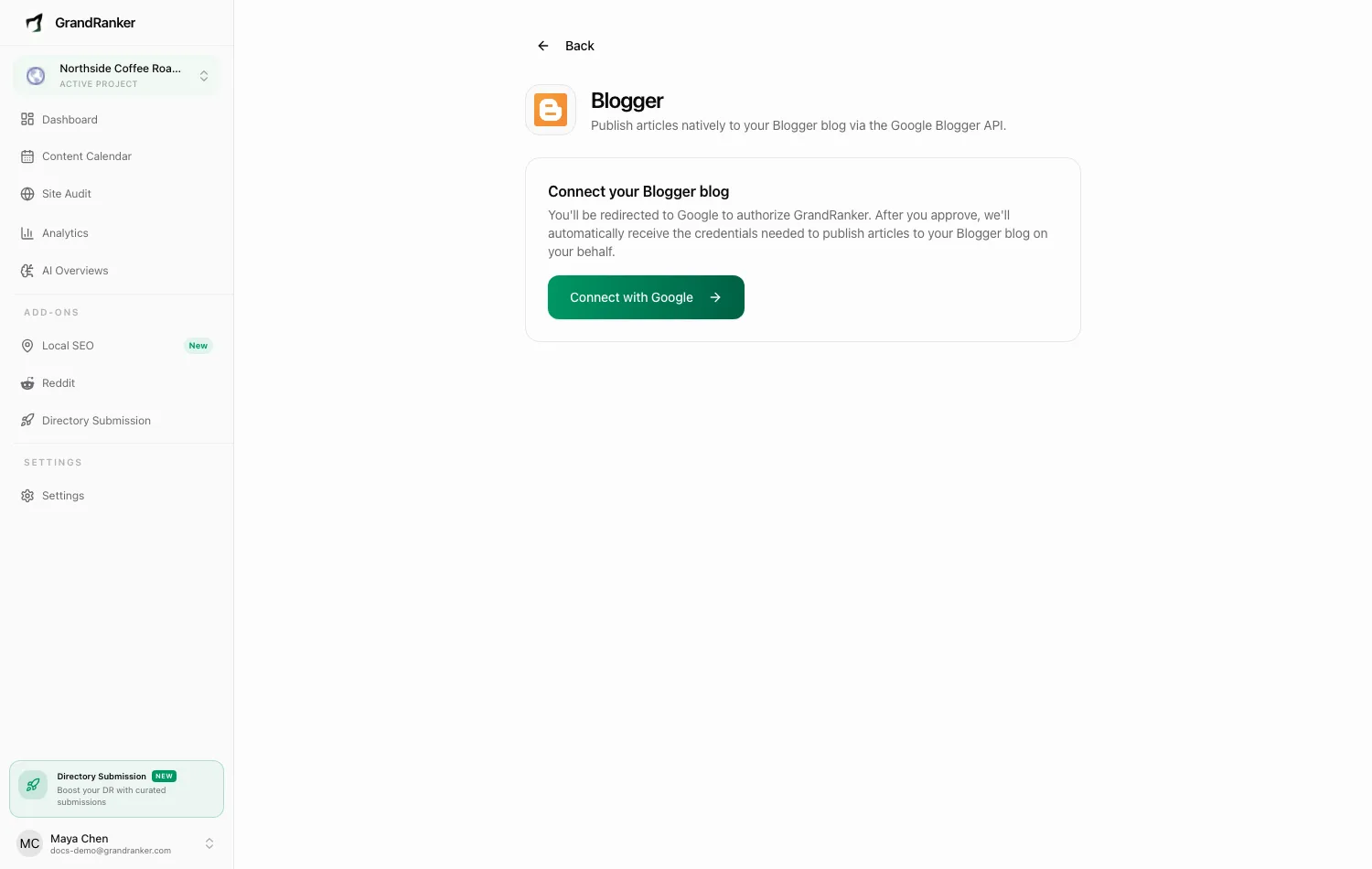
What you need: a Google account that owns or administers at least one Blogger blog.
How to Connect
- Open Integrations and pick Blogger.
- Click Connect with Google and authorize Grandranker.
- You're returned to the integration page showing Connected with your blog's name and URL.
- Adjust settings:
- Blog: shown only if your Google account has more than one Blogger blog.
- Default Status: Draft (sends articles to Blogger for review) or Live (publishes immediately).
- Click Save Settings.
Publishing & Verifying
Articles publish as Blogger posts with your default status. Scheduled articles from the Content Planner publish automatically on their planned dates.
To verify: publish one article, open your Blogger dashboard, and confirm it appears under Posts (draft or published per Default Status). If Live, check it renders on your blog URL.
To disconnect, click Disconnect on the integration page. Existing posts stay untouched.
Troubleshooting
The Google sign-in completes but the page shows an error
The account must have a Blogger blog. If it has none, create one at blogger.com first, then reconnect.
I connected the wrong Google account or blog
Multiple blogs: switch via the Blog dropdown and Save Settings. Wrong account: Disconnect, then Connect with Google again and pick the correct account.
Posts stay invisible on my blog
Check Default Status. Draft posts wait in the Blogger dashboard until published manually there. Switch to Live to publish automatically.
Publishing suddenly stopped working
Google access can be revoked from your account's security settings, or break if the connected blog is deleted. Disconnect and reconnect, then confirm the right blog is selected.
Still stuck? [email protected]