Account & Billing
Agency Mode
Manage multiple client organizations from one account.
Run every client from one login. Each client is a separate, fully isolated organization — switch between them without logging in and out. Add-on on top of your Pro subscription.
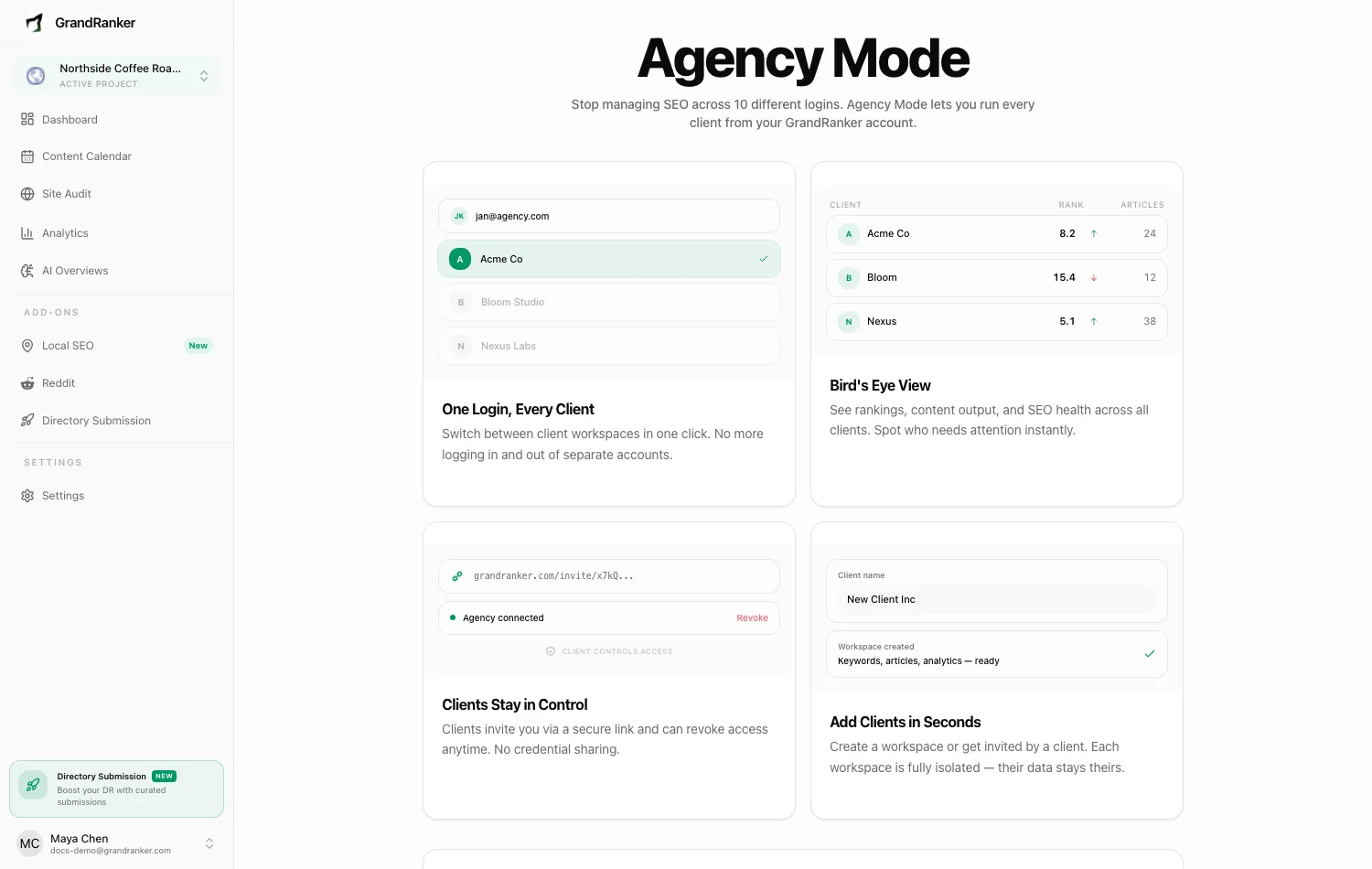
Enabling Agency Mode
- Have an active subscription.
- Go to
https://app.grandranker.com/agency, click Subscribe to Agency ($49/month, added to your plan, cancel anytime). - After checkout, click Go to Agency Dashboard.
Agency Dashboard then appears in your user menu (owners and admins).
The Agency Dashboard
At /agency:
- Overview — aggregate tiles (Avg Rank, AI Visibility, Articles, Keywords) with trend charts, 7d/30d/90d window.
- Clients table — every client, domains, plan, status. Click a row for per-client analytics.
- Add Client — create a new client organization.
Adding clients
You create the client (agency pays)
- Add Client on the dashboard.
- Choose Product: Content Planner or Local SEO.
- Enter Client name, pick a cadence (yearly $24/mo, 6-month $34/mo, monthly $49/mo). Coupons supported.
- Continue to checkout — charged to your agency's payment method.
You land in the client's onboarding to set up their first website.
Add a payment method first — the dashboard prompts Add card until one's on file, since client subscriptions bill to your agency.
The client invites you (client keeps paying)
- Client opens
https://app.grandranker.com/settings/agency-access, enters your agency email, Send Invitation. - You get an email — click Accept & Connect.
- Client appears in your dashboard; their billing stays theirs.
Client can revoke anytime from their Agency Access page (Revoke Access); it shows "Managed by {your agency}".
Working inside a client
Manage on a client row switches you into their organization. A persistent banner shows "Managing client: {name}"; you see and edit exactly what their team sees. ← Back to Agency returns you.
Removing a client
- Agency-billed: row's Cancel cancels the subscription and disconnects.
- Client-billed: either side disconnects — from your dashboard, or client's Revoke Access.
Sharing results with clients
Use Client Reports for a live, shareable ranking link without requiring login.
Still stuck? [email protected]