Integrations
Custom API
Receive articles on your own endpoint via webhook/API.
Receive every article on your own HTTP endpoint. Create a webhook and Grandranker POSTs each article as JSON with Bearer token authentication. Store it, render it, forward it — your call.
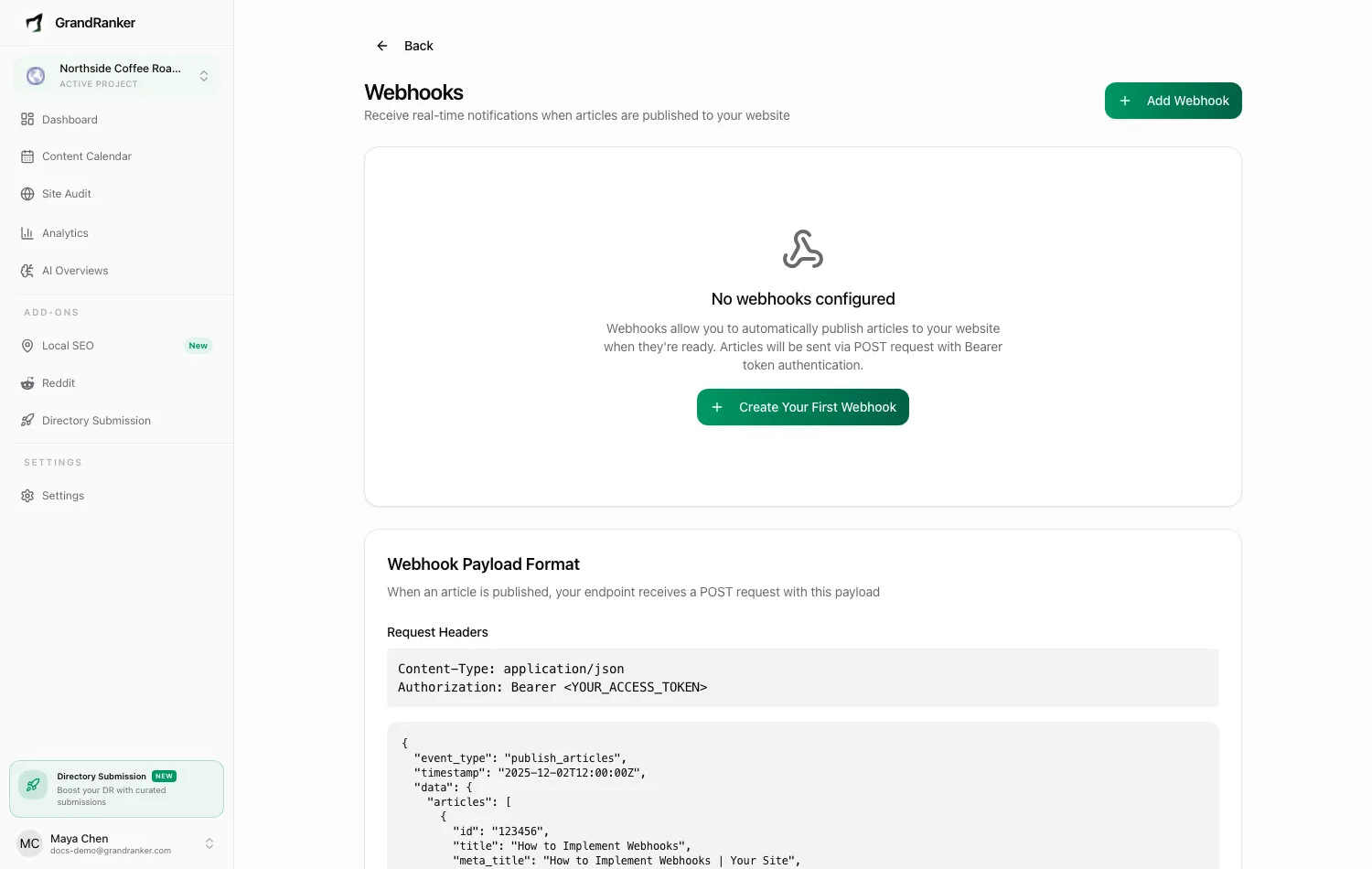
What you need: an HTTPS endpoint that accepts POST requests with a JSON body and validates an Authorization: Bearer <token> header.
How to Connect
- In Grandranker, open Webhooks (or Integrations → "Webhooks: Connect to any service via HTTP").
- Click Add Webhook.
- Enter a Name and your endpoint's URL.
- Click Create Webhook. Grandranker generates a secret token — validate
Authorization: Bearer <token>against it. Reveal the secret again later from the webhook's row. - Use Test to send a sample request. A 2xx response means you're connected.
Webhooks fire on: article.published, article.updated, article.deleted, article.generated, plus AI-visibility events (ai_overview.alert, ai_overview.snapshot_complete).
Publishing & Verifying
On publish, Grandranker POSTs the article (title, content, image URL, metadata) to your URL. Your endpoint should:
- Return a 2xx response quickly.
- Validate the Bearer token before trusting the payload. Prefer HMAC instead? Switch the webhook to signature auth — each request then carries an
X-Webhook-Signatureheader to verify against the secret.
Publish one article and check Delivery History on the Webhooks page — every delivery is logged with event type and response, and failed ones get a Retry Delivery button.
Prefer to pull instead? Use the REST API & Tokens. For payload and event details, see Webhooks.
Troubleshooting
Test delivery fails with 401/403
Your endpoint must validate the Authorization: Bearer <token> header Grandranker sends. Check the secret matches, or switch your endpoint to accept Bearer tokens.
Deliveries time out or never arrive
Confirm the URL is public HTTPS (not localhost), nothing blocks external POSTs, and you respond within a few seconds — do heavy processing after returning 2xx.
A delivery failed once — is the article lost?
No. Open Delivery History, inspect the failed delivery, fix your endpoint, then Retry Delivery.
Still stuck? [email protected]