
Lovable
How-To Guide

How to Add a Blog to Lovable in 2026: Step by Step

To add a blog to Lovable, point a subdomain such as blog.yourapp.com at a hosted blog with one CNAME record. Your Lovable app stays as it is, because Lovable has no blog feature of its own.

Updated October 15, 2026

TL;DR

One CNAME record

blog.yourapp.com points at the hosted blog. On Cloudflare, one click adds the record.

No app changes

Your Lovable app stays live. Add a Blog link to its menu at the end.

Live in minutes

GrandRanker checks DNS every 15 seconds and issues HTTPS once the record is right.

6 steps

Step-by-Step

  1. 1

    Open Integrations, then Hosted Blog

    In GrandRanker, open Integrations and choose Hosted Blog (shown as Add a Blog to Lovable). A three-step wizard starts.

  2. 2

    Choose a subdomain

    The field comes pre-filled, usually with blog. Keep it or type your own, but never use your app's own address, or your app goes offline.

  3. 3

    Add one CNAME record

    The wizard shows the exact CNAME with copy buttons. Add it where your domain's DNS lives, or choose Connect Cloudflare and the record is added for you.

  4. 4

    Wait for Live

    The page checks for the record every 15 seconds. Once it is right, the HTTPS certificate is issued, usually within minutes, and the status turns Live.

  5. 5

    Design the blog

    In the Blog designer, pick the Clean, Magazine or Editorial look and upload your logo. Set menu links and add pages such as Imprint or Privacy.

  6. 6

    Link the blog from your Lovable app

    Ask Lovable in chat to add a Blog link to your app's menu that points to your blog URL. Visitors and crawlers then find the blog from your app.

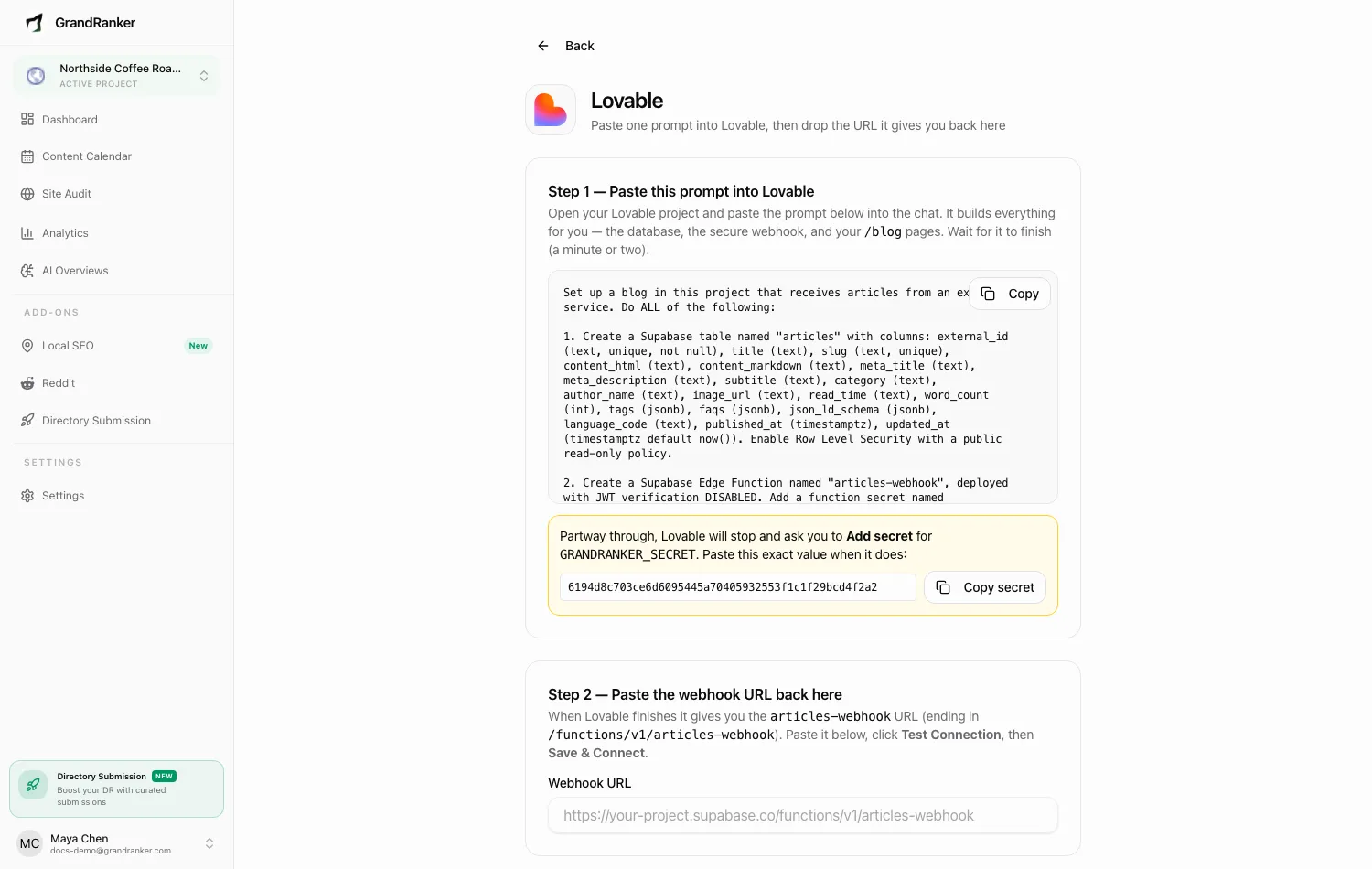
The Add a Blog to Lovable connect wizard in GrandRanker
The Add a Blog to Lovable wizard in GrandRanker. Source

What are the ways to add a blog to Lovable?

There are three ways, and only one needs no code. The steps above use the hosted blog on a subdomain, because it is the fastest.

OptionYour workWhat crawlers get
Blog pages built in LovableCMS, sitemap and every articleSame as your app
Headless CMS with custom codeCode and hosting to maintainDepends on your setup
Hosted blog on a subdomainOne DNS recordPlain HTML for every crawler

Why a subdomain blog fits Lovable

Your app keeps its address and the blog gets its own. Every article is plain server-rendered HTML with its own sitemap.xml, so any crawler can read it.

yourapp.comUnchangedYour Lovable app
blog.yourapp.comCNAME recordGrandRanker hosted blog

What happens after the blog is Live?

Published articles appear on the blog by themselves, 12 per page, with topic archives. We keep writing articles for the first 3 days after you choose the subdomain, so some are ready at launch.

Articles on a schedule

New posts go live without you pasting anything.

Own sitemap

blog.yourapp.com/sitemap.xml lists every article.

Internal links

Articles link to each other and to your app.

Images and meta tags

Each article gets a featured image and a unique title.

HTTPS

The certificate is issued for you, usually in minutes.

Plain HTML

Every crawler reads the full article.

Common DNS problems when you add a blog to Lovable

Most setup delays come from the DNS record. Check these four first.

ProblemFix
Name became blog.yourapp.com.yourapp.comType just "blog" as the name
You added an A recordUse a CNAME record
Status is not Live yetDNS takes minutes to hours. Leave the wizard open
No Connect Cloudflare buttonYour DNS is elsewhere. Add the record by hand

Sources

Frequently Asked Questions

Let GrandRanker Do This for You

Connect a blog subdomain to your Lovable app and publish your first articles this week.