
Key Takeaways
- Introduction: Is Your Website Search-Ready? Why It Matters
- 1. 7 Reasons a: 1. 7 Reasons a High Bounce Rate Signals User Dissatisfaction Content Mismatch and User Expectations Poor Navigation and Site Structure
- Content Mismatch and User: Content Mismatch and User Expectations
- Poor Navigation and Site: Poor Navigation and Site Structure
- 2. Why Slow Website Speed Hurts Search Performance (And Tools to Test It) Impact on User Experience and Rankings Testing with PageChecks: Real-User Performance Metrics
- Impact on User Experience: Impact on User Experience and Rankings
Introduction: Is Your Website Search-Ready? Why It Matters
Nearly 97% of websites get zero organic traffic from Google WordStream, 2026, indicating that optimization issues are widespread. The first crucial step is determining what prevents your site from ranking. This article highlights key areas for assessment, encompassing technical SEO fundamentals and user experience signals. We'll provide practical steps to improve your website's search readiness, including using tools like GrandRanker to automate content optimization. Neglecting these factors can lead to lower rankings, as search algorithms prioritize websites that effectively meet user needs.
1. 7 Reasons a High Bounce Rate Signals User Dissatisfaction
A high bounce rate is a significant warning sign of user dissatisfaction, as visitors leave your site quickly without exploring other pages. This often points to a discrepancy between what users expect and the content they find. A high bounce rate can harm your keyword ranking and search visibility.
Content Mismatch and User Expectations
One major cause of a high bounce rate is a disconnect between user expectations and the actual content. If your meta description promises specific information, but the page provides something different, users are likely to bounce. Ensure your content aligns with the search intent behind your target keywords. Conduct thorough keyword research to understand users' true needs.
Poor Navigation and Site Structure
Difficult navigation and a confusing site structure can also increase bounce rates. Users will leave if they cannot easily find what they need. Implement clear, intuitive navigation menus and a logical site hierarchy. Use breadcrumb navigation to help users understand their location on your site. Internal linking is also essential, guiding users to related content and encouraging further exploration.
2. Why Slow Website Speed Hurts Search Performance (And Tools to Test It)
Slow website speed is a critical issue that directly affects user experience, conversions, and search engine rankings. Each additional second of load time decreases conversions by an average of 7% [Portent / Akamai, 2026], demonstrating the importance of optimizing page speed for user retention and search performance. Faster loading times improve user engagement and keyword ranking.
Impact on User Experience and Rankings
Slow loading times frustrate users, leading to higher bounce rates and lower time on page, both of which negatively impact search engine rankings. Google considers page speed as a ranking factor, giving priority to faster websites in search results. Optimizing images, using browser caching, and implementing a Content Delivery Network (CDN) can significantly improve your website's speed and overall search readiness.
Testing with PageChecks: Real-User Performance Metrics
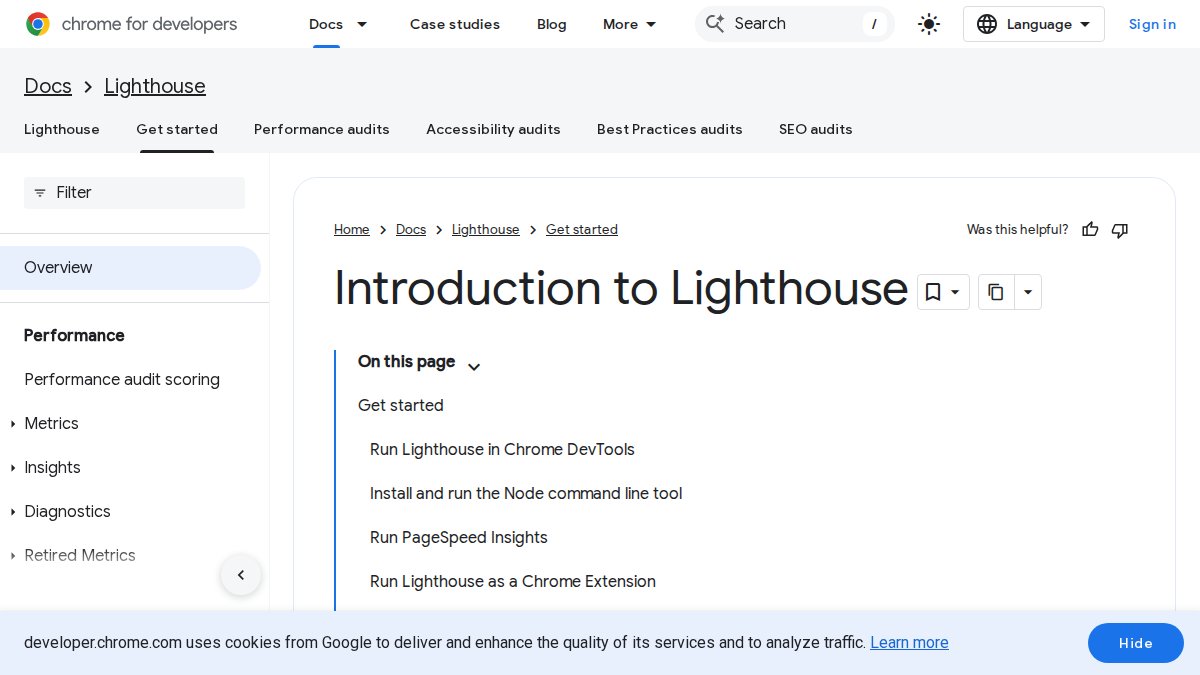
Tools like PageChecks provide real-user performance metrics, offering a more accurate assessment of your website's speed compared to lab-based tests. PageChecks uses Chrome UX Report (CrUX) data to measure Core Web Vitals, including Largest Contentful Paint (LCP), Interaction to Next Paint (INP), and Cumulative Layout Shift (CLS). According to the Chrome UX Report from 2025, only 54.6% of websites meet Core Web Vitals standards [Chrome UX Report, 2025]. These metrics reflect actual user experiences on your website, providing valuable insights for optimization. PageChecks also offers JSON-LD schema validation and AI readiness scoring.
3. Identifying Mobile-Friendliness Issues and How to Fix Them
A lack of mobile-friendliness is a crucial ranking factor that can negatively affect your search performance. Google uses mobile-first indexing, meaning it primarily uses the mobile version of a website for indexing and ranking. A poor mobile experience can decrease search visibility and reduce organic traffic.
Testing Mobile-Friendliness with Google's Mobile-Friendly Test
Google's Mobile-Friendly Test is a valuable tool for evaluating your website's mobile-friendliness. This tool analyzes your page and identifies issues that may hinder the mobile user experience, such as unreadable text, content wider than the screen, or closely spaced touch elements. Addressing these issues is essential for improving your mobile search performance.
Implementing Responsive Design for Optimal Viewing
Responsive design is the best approach for ensuring your website provides an optimal viewing experience across all devices. It adapts the layout and content of your website to fit the screen size of the device, whether it's a desktop, tablet, or smartphone. This ensures a consistent and user-friendly experience, regardless of the device.
4. How Outdated Content Harms Modern Search Performance
Outdated content suggests that your website is not a reliable source of information. Search engines favor current, relevant content that offers value to users. Content that is no longer accurate or up-to-date can negatively affect your rankings and user engagement. Regularly updating your content is crucial for maintaining search readiness and attracting organic traffic.
The Impact of Freshness on Rankings and User Engagement
Freshness is a ranking factor, particularly for topics that change quickly. Search engines prioritize content that reflects the latest information and trends. Outdated content can decrease user engagement, as users are less likely to spend time on pages with inaccurate or irrelevant information. Regularly updating your content signals to search engines that your website is a valuable and reliable source.
Strategies for Content Refreshing and Repurposing
Content refreshing involves updating existing content with new information, statistics, and examples. Repurposing content involves transforming existing content into different formats, such as blog posts, infographics, videos, or podcasts. These strategies can help you keep your content current and engaging, while also reaching a broader audience. For example, you can convert a blog post into a series of social media updates or create a video tutorial based on a written guide.
5. Technical SEO Checklist: Identifying Issues
Technical SEO issues can significantly impede your website's search performance. Resolving these issues is essential to ensure search engines can effectively crawl, index, and understand your content. A comprehensive technical SEO audit can reveal underlying problems that may be preventing your website from reaching its full potential.
Crawlability and Indexing Problems
Crawlability and indexing are fundamental to search engine visibility. If search engines can't crawl your website, they can't index your content. According to SE Ranking (2025), approximately 15% of websites are missing an XML sitemap, hindering effective search indexing [SE Ranking, 2025]. Ensure your robots.txt file allows search engines to crawl important pages and that your XML sitemap is correctly submitted. Additionally, 23% of websites have pages that do not link to their XML sitemap in the robots.txt file [SE Ranking, 2025].
Broken Links and Redirect Chains
Broken links and redirect chains can negatively impact user experience and search engine rankings. Broken links lead to dead ends, frustrating users and signaling poor website maintenance to search engines. Redirect chains slow down page loading times and can confuse search engines. Regularly check your website for broken links and redirect chains, and fix them promptly. Over 17% of websites have sitemaps containing redirecting URLs (3XX) [SE Ranking, 2025].

6. E-E-A-T Deficiencies: Why They Matter for Search
E-E-A-T (Experience, Expertise, Authoritativeness, and Trustworthiness) is a critical factor in search engine rankings. Google uses E-E-A-T to assess the quality and reliability of websites, especially those that provide information on sensitive topics such as health, finance, and safety. Demonstrating strong E-E-A-T is essential for building credibility and attracting organic traffic.
Demonstrating Expertise, Experience, Authoritativeness, and Trustworthiness
Expertise is shown through in-depth, accurate, and well-researched content. Experience is demonstrated through first-hand accounts and practical advice. Authoritativeness is established through backlinks from reputable sources and mentions by industry experts. Trustworthiness is built through transparency, accuracy, and security. Ensure your content is created by knowledgeable individuals, supported by credible sources, and presented clearly and honestly.
using Mingles AI Site Scorer for E-E-A-T Analysis
Tools like Mingles AI Site Scorer can help you analyze your website's E-E-A-T signals. This tool performs 14 automated checks on structured data, content quality, and E-E-A-T signals, providing actionable scores and recommendations for improvement. Mingles AI Site Scorer also validates llms.txt and robots.txt files, ensuring your website is properly configured for AI crawlers.
7. No Clear Value Proposition: Why It's a Problem
A lack of a clear value proposition means visitors don't understand what your website offers or why they should engage with it. A compelling value proposition communicates the unique benefits of your products or services and sets you apart from competitors. Without a clear value proposition, attracting and retaining visitors becomes difficult.
Unclear Messaging and Confusing User Journey
Unclear messaging and a confusing user journey can prevent visitors from understanding your value proposition. Ensure your website clearly communicates your offerings, target audience, and unique advantages. Simplify your user journey by guiding visitors through a clear path to conversion. Use clear calls to action and intuitive navigation to help users find what they need.
Low Conversion Rates and Missed Opportunities
Low conversion rates directly result from a weak value proposition. If visitors don't understand the value of your products or services, they are less likely to become customers. Optimize your website for conversions by highlighting your unique benefits, addressing customer pain points, and providing compelling social proof.
8. Tools for Diagnosing and Fixing Search Readiness Issues
Several tools can assist in diagnosing and resolving search readiness issues. These tools offer valuable insights into your website's performance, identify areas for improvement, and provide actionable optimization recommendations. From technical SEO audits to content optimization, these tools can help improve your website's search visibility and attract more organic traffic.
GrandRanker: AI-Powered Content Creation and Optimization
GrandRanker is an AI-powered SEO platform that automates your entire content pipeline, from keyword research to publishing. It identifies high-volume, low-difficulty keywords through competitor analysis, generates fully optimized long-form articles (3,000+ words each), and auto-publishes them to your CMS on a schedule. It integrates natively with WordPress, Shopify, Webflow, Wix, and Framer. GrandRanker is an effective solution for creating high-quality content optimized for search.
Seobility SEO Checker: Identifying Technical SEO Issues
Seobility SEO Checker 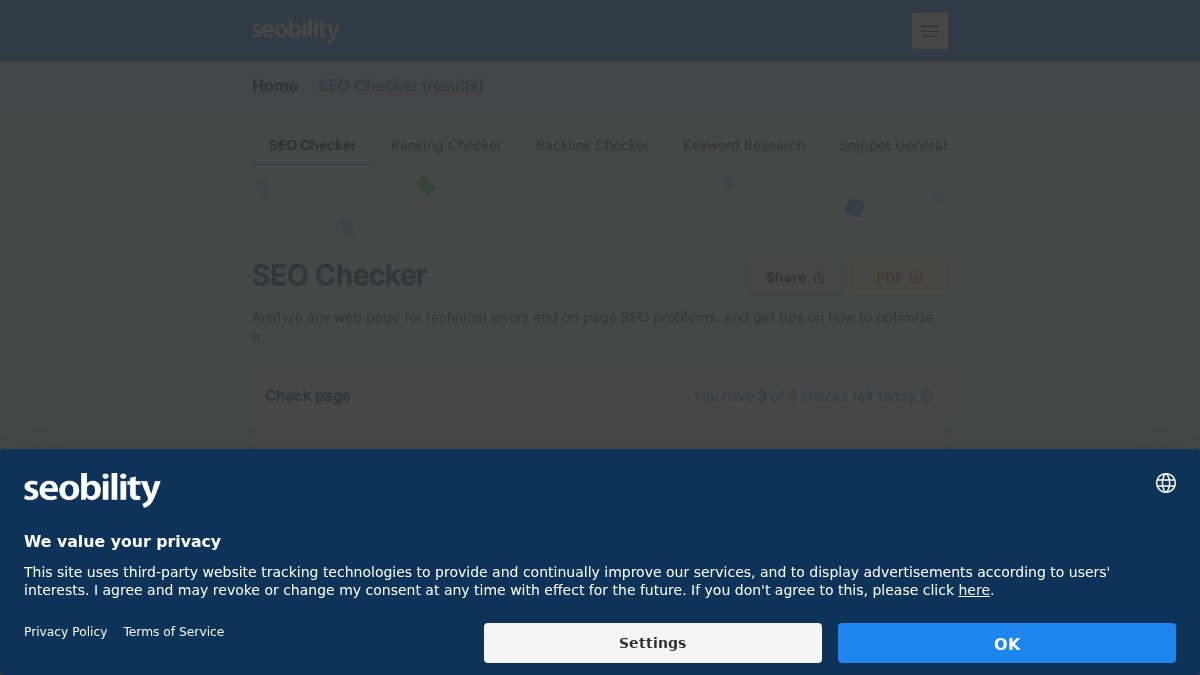

Conclusion: Future-Proofing Your Website for Search Success
Addressing the factors that prevent your site from ranking is an ongoing effort. Search engine algorithms are constantly evolving, and new technologies like AI-powered search are emerging. To future-proof your website for search success, stay informed about the latest trends and best practices. Regularly monitor your website's performance, adjust your strategies as necessary, and prioritize user experience. By proactively managing search readiness, you can ensure your website remains visible and competitive in the ever-changing digital landscape.
Realizing your site isn't search-ready can be discouraging, especially after significant investment. If you're tired of manually auditing your website for SEO issues, GrandRanker is an excellent choice for automating the entire process. It pinpoints high-volume, low-difficulty keywords through competitor analysis and generates fully optimized, long-form articles to improve your rankings. Start using GrandRanker to save time and increase efficiency today.
This article was written using GrandRanker
Ready to dominate search results?
Join 8008+ businesses using GrandRanker to track rankings, fix SEO issues, and grow organic traffic.
Buy NowFrequently Asked Questions
Several factors indicate your website might need a redesign for SEO. A high bounce rate, where users quickly leave your site, suggests poor user experience or irrelevant content. Slow website speed is another critical sign, as users and search engines prefer fast-loading sites. Not being mobile-friendly will also hurt your rankings, as Google prioritizes mobile-first indexing. Outdated content and poor site architecture are further indicators that a redesign is necessary to improve SEO performance and user engagement.
Yes, slow loading speed is a significant sign your site isn't ready for search. Users expect websites to load quickly, and a delay of even a few seconds can lead to a high bounce rate. Search engines like Google also consider site speed as a ranking factor. Optimizing images, leveraging browser caching, and choosing a reliable hosting provider are essential steps to improve your website's loading speed and enhance its search readiness.
A high bounce rate is a major red flag indicating that your site isn't ready for search because it signals that visitors are not finding what they expect or are having a poor experience. This could be due to slow website speed, irrelevant content, a confusing layout, or a lack of mobile-friendliness. Search engines interpret a high bounce rate as a sign that your website is not providing value to users, which can negatively impact your search rankings. Addressing the underlying causes of a high bounce rate is crucial for improving your site's search readiness.
Determining if your site isn't mobile-friendly involves several checks. Use Google's Mobile-Friendly Test tool to assess your site's performance on mobile devices. Look for issues like text that's too small to read, content wider than the screen, or elements that are too close together. A responsive design that adapts to different screen sizes is essential for mobile-friendliness. If your site requires users to zoom in or scroll horizontally on mobile devices, it's a clear sign that improvements are needed to ensure it is search-ready and provides a good user experience.