
Key Takeaways
- 1. Signs You're Wasting Time With Separate Tools: The Productivity Drain The Illusion of Multitasking: Why Switching Costs You
- The Illusion of Multitasking: Why Switching Costs You
- What Is AI Brain: What Is AI Brain Fry and How Multiple Tools Cause It
- 2. GrandRanker: Optimize Your Content Pipeline to Save Time
- 3. Motion: Automate Scheduling and Eliminate Manual Adjustments
- Zombie Projects: Half-Finished Tasks from Tool Fragmentation The Cost of Context Switching on Project Completion
1. Signs You're Wasting Time With Separate Tools: The Productivity Drain
More than 1 in 5 workers (22%) lose 2+ hours each week to tool fatigue, highlighting the significant productivity drain caused by inefficient workflows, according to a 2026 Lokalise blog post. Recognizing time wasted with separate tools helps you reclaim lost hours and improve efficiency. This article identifies key indicators of tool-related time waste and offers strategies to consolidate your digital toolkit.
The Illusion of Multitasking: Why Switching Costs You
Multitasking, or rather, the rapid switching between tasks and tools, has long been hailed as a virtue, but research increasingly points to its detrimental effects on productivity. Workers switch between tabs, apps, or platforms an average of 33 times per day, with 17% switching more than 100 times, according to Lokalise Blog, 2026. This constant context switching isn't efficient; it's a productivity killer. Each switch incurs a mental cost, a brief period of disorientation as the brain re-adjusts to the new task and environment.
What Is AI Brain Fry and How Multiple Tools Cause It
AI Brain Fry is mental fatigue and cognitive overload from the constant influx of information and rapid decisions required when using multiple, often unintegrated, digital tools. It manifests as difficulty focusing, increased irritability, and feeling overwhelmed. Nearly 1 in 2 workers (45%) feel overwhelmed by alerts, pings, or notifications from their digital tools, contributing directly to AI Brain Fry Lokalise Blog, 2026.
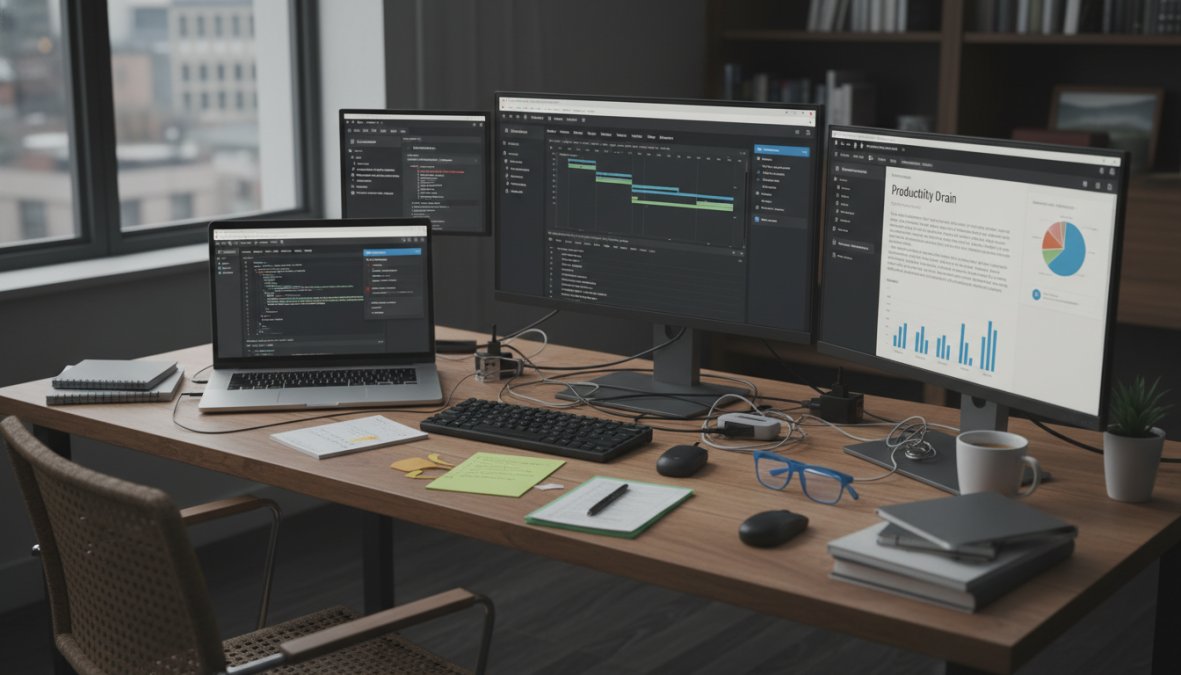
This occurs because the brain processes information from various sources, each with its own interface, logic, and notification system. The constant switching and adapting demand significant mental energy, leaving individuals feeling drained and less capable of performing core tasks effectively. The more separate tools you use, the higher the risk of experiencing AI Brain Fry, which directly impacts your ability to think clearly and make sound decisions.
2. GrandRanker: Optimize Your Content Pipeline to Save Time
If you're experiencing AI Brain Fry due to managing a fragmented content creation process, GrandRanker automates your entire content pipeline. GrandRanker is an AI-powered SEO platform that handles everything from keyword research to publishing. It identifies high-volume, low-difficulty keywords through competitor analysis, generates fully optimized long-form articles (3,000+ words each), and auto-publishes them to your CMS on a schedule. It integrates natively with WordPress, Shopify, Webflow, Wix, Framer, and more, eliminating the need to juggle multiple tools for content creation, SEO, and publishing.
3. Motion: Automate Scheduling and Eliminate Manual Adjustments
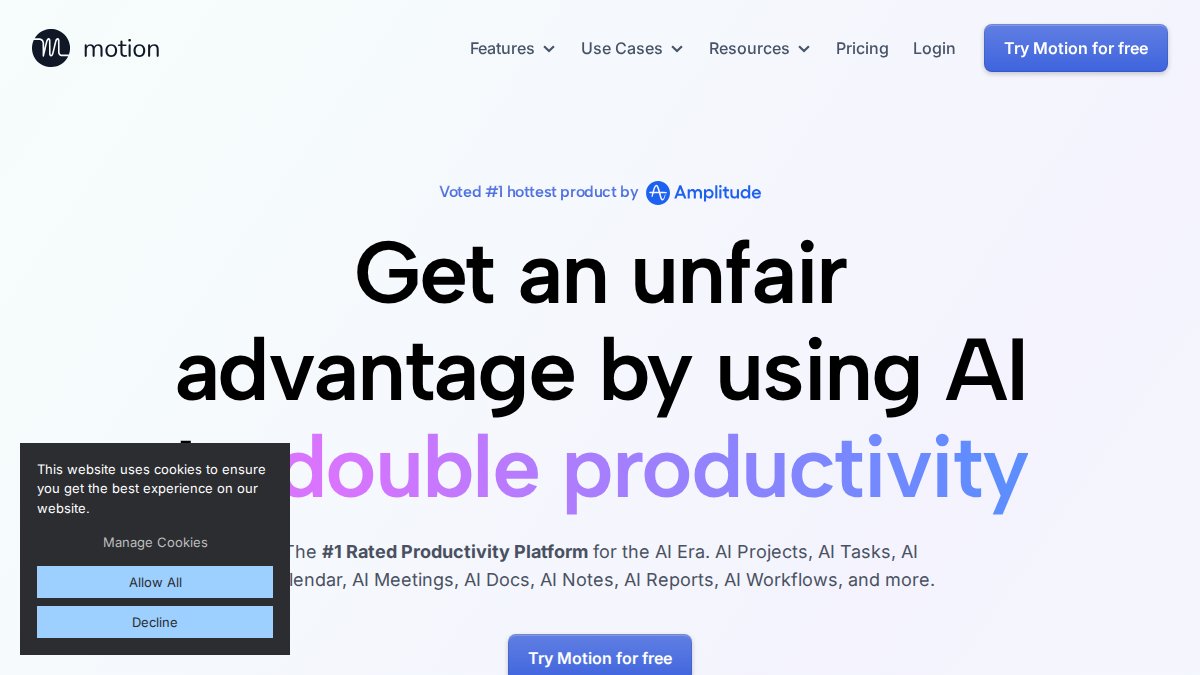
Motion is an AI-powered app designed to automatically schedule tasks into your calendar and intelligently reschedule them based on priorities and unforeseen changes. It’s best for high-output individuals and small teams struggling with manual scheduling, offering key features like intelligent calendar auto-booking and a meeting assistant for external guest scheduling. Motion prioritizes tasks using AI and reschedules them when meetings run late or tasks take longer than expected.
The starting price for Motion is $19 per month. What works well is that it eliminates calendar tetris with automatic adjustments and integrates tasks and calendar in one view. The limitations are that it has limited advanced project management features and requires a subscription for full access.
Zombie Projects: Half-Finished Tasks from Tool Fragmentation
Zombie projects are unfinished tasks or initiatives that linger indefinitely due to the challenges of managing them across multiple, disconnected tools. These projects often start with enthusiasm but gradually lose momentum as team members struggle to coordinate efforts, track progress, and share information effectively. The lack of seamless integration between platforms leads to miscommunication, duplicated efforts, and ultimately, project abandonment.
"The digital workplace has become increasingly complex and fragmented. This fragmentation directly impacts employee productivity and ultimately hurts business outcomes." -- Andrew Hewitt, Senior Analyst at Forrester (Zymplify, 2026)
The Cost of Context Switching on Project Completion
Employees toggle between apps more than 1,200 times each day and lose up to four hours a week juggling multiple tools, according to data from Insightful.io. This constant context switching not only reduces individual productivity but also hinders the overall progress of projects. When team members are forced to navigate between different platforms to access information, update tasks, or communicate with colleagues, the risk of errors, delays, and misunderstandings increases significantly.
4. Akiflow: Consolidate Tasks and Time Blocking for Peak Efficiency
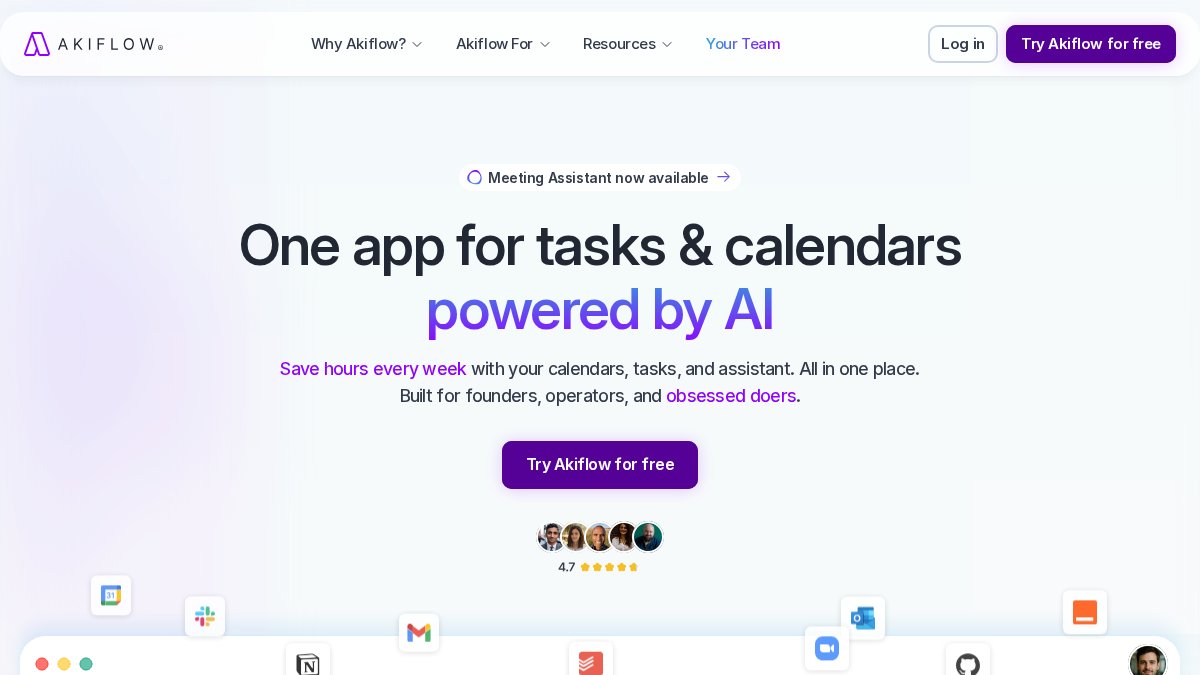
Akiflow is a task management app that consolidates tasks from various sources into a single, unified inbox. It’s best for individuals seeking to simplify their workflow by centralizing tasks, emails, and calendar events. Key features include a unified inbox for tasks from multiple apps, time blocking, and calendar integration. Akiflow allows users to pull tasks from tools like Asana, Todoist, and Slack into one place, enabling efficient task management and time blocking.
The starting price for Akiflow is $15 per month. What works well is that it consolidates tasks from multiple sources and offers effective time blocking features. The limitations are that it has limited project management capabilities and requires a subscription for full access.
5. Toggl Track: Understand Your Time Usage Without Extra Tools
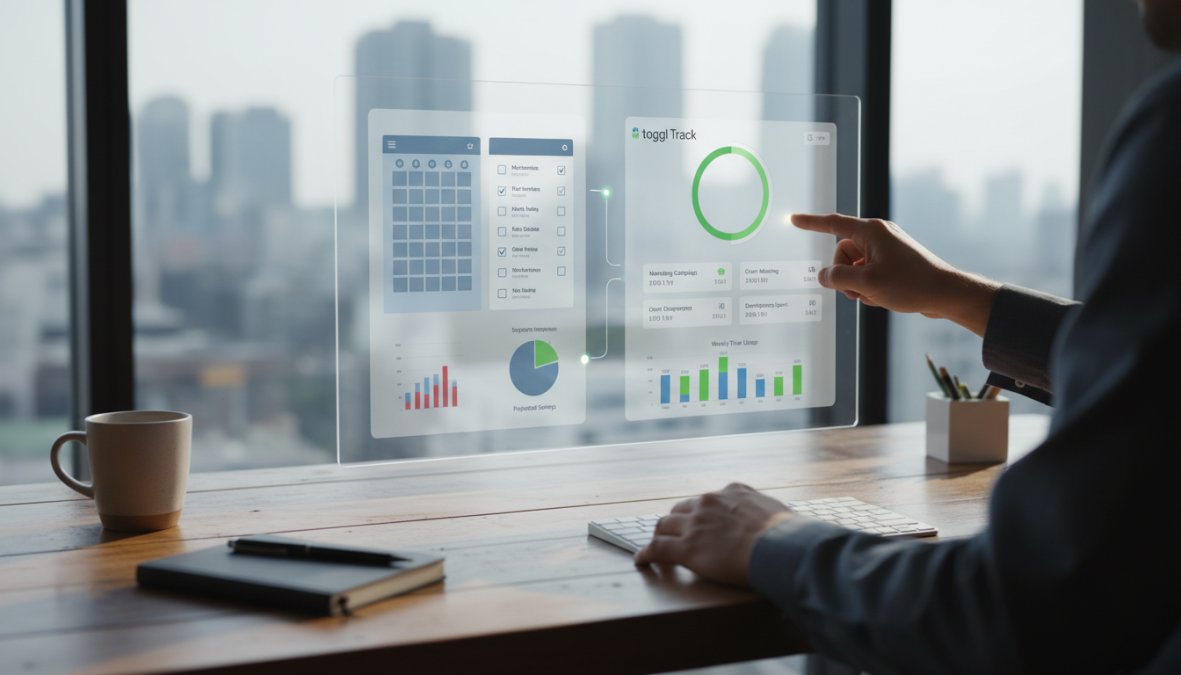
Toggl Track is a time tracking app that helps you understand how you spend your time without needing additional tools. It’s best for individuals and teams looking to monitor time spent on tasks and projects. Key features include one-click time tracking, detailed reports, and integration with other tools. Toggl Track allows users to track time spent on various tasks and projects, providing insights into productivity and time allocation.
The starting price for Toggl Track is free for basic features, with paid plans starting at $9 per month. What works well is that it offers simple and effective time tracking and integrates with many other tools. The limitations are that it lacks advanced project management features and requires a subscription for full access to advanced features.
How Decision Fatigue from Tools Signals Time Waste
Decision fatigue is the mental exhaustion from making numerous decisions over an extended period. When using multiple tools, decision fatigue arises from the constant need to choose which tool to use for a specific task, how to navigate its interface, and where to find the necessary information. This constant decision-making process drains mental energy and reduces overall productivity.
Quantifying the Cost of Decision Fatigue
Research suggests that decision fatigue can significantly impact cognitive performance and decision-making quality. Studies have shown that individuals experiencing decision fatigue are more likely to make impulsive choices, avoid making decisions altogether, or rely on simple heuristics rather than engaging in thoughtful analysis. In the workplace, this can translate to poor decision-making, reduced creativity, and decreased problem-solving abilities.
Employees commonly spend 59 minutes each day just searching for information across different apps and data silos Conclude.io, 2026, further contributing to decision fatigue.
Juggling Multiple Tools: The Hidden Productivity Killer
The act of juggling multiple tools may seem like a necessary part of modern work, but it often leads to a hidden productivity killer. Each time you switch between tools, you incur a mental cost in terms of time and energy. This cost includes the time it takes to locate the correct tool, log in, navigate to the relevant section, and re-familiarize yourself with the interface and context. Over the course of a day, these small interruptions can add up to a significant loss of productivity.
6. Reclaim.ai: Protect Time for Essential Tasks and Habits Automatically
Reclaim.ai is an AI-powered app designed to automatically schedule and protect time for essential tasks and habits in your calendar. It’s best for individuals and teams looking to prioritize and protect time for important activities. Key features include automated scheduling, habit tracking, and calendar integration. Reclaim.ai uses AI to analyze your calendar and automatically schedule time for tasks, habits, and meetings, ensuring that you have dedicated time for your priorities.
The starting price for Reclaim.ai is free for basic features, with paid plans starting at $8 per month. What works well is that it automates scheduling and protects time for essential tasks. The limitations are that it requires a subscription for full access to advanced features.
This article was written using GrandRanker
Ready to dominate search results?
Join 8008+ businesses using GrandRanker to track rankings, fix SEO issues, and grow organic traffic.
Buy NowFrequently Asked Questions
One of the key signs you're wasting time with separate tools is constantly switching between them. If you find yourself frequently moving data between applications, re-entering information, or struggling to remember where specific files are located, you're likely juggling too many tools. This constant context switching leads to decreased focus and productivity. Consider consolidating your toolkit to streamline workflows and reduce mental overhead. Look for integrated platforms that offer multiple functionalities within a single interface to minimize the need to jump between separate applications.
Switching between tools incurs a 'switching cost.' Each time you change focus, your brain needs time to re-orient itself to the new environment, remember where you left off, and load relevant information. This process, though seemingly brief, adds up significantly over the course of a day. According to a 2026 Lokalise Blog report, 22% of workers lose over 2 hours per week due to tool fatigue. By minimizing the number of tools you use, you reduce these switching costs and allow for deeper focus, ultimately boosting productivity.
Signs of tool overload at work include feeling overwhelmed by the sheer number of applications you need to use, experiencing 'AI brain fry' from constant context switching, and struggling to keep track of information across different platforms. You might also notice an increase in errors, missed deadlines, or a general feeling of being less efficient. Decision fatigue from tools, where you're constantly deciding which tool to use for which task, is another indicator. Recognizing these signs is crucial for addressing the underlying issue and optimizing your workflow.
Separate tools contribute to decision fatigue by forcing you to constantly choose the 'right' tool for each task. This might involve evaluating which application has the necessary features, remembering where specific information is stored, or converting data between incompatible formats. These micro-decisions accumulate throughout the day, depleting your mental energy and making it harder to focus on more important tasks. Consolidating your tools into a more streamlined and integrated system can significantly reduce decision fatigue and free up cognitive resources.
Zombie projects are tasks or initiatives that linger on, consuming time and resources without producing meaningful results. When using separate, unintegrated tools, it's easier for projects to become disorganized, lose momentum, and ultimately turn into 'zombie projects.' This happens because information is scattered across different platforms, making it difficult to track progress, collaborate effectively, and identify roadblocks. By consolidating your tools and centralizing project management, you can improve visibility, accountability, and ensure that projects stay on track.