
Key Takeaways
- What are the Best: What are the Best SEO Audit Tools for Websites? Why Use SEO Audit Tools? How to Choose the Right SEO Audit Tool
- Why Use SEO Audit: Why Use SEO Audit Tools?
- How to Choose the: How to Choose the Right SEO Audit Tool
- GrandRanker: AI-Powered SEO Automation for Content and Audits Pros and Cons of GrandRanker
- Pros and Cons of: Pros and Cons of GrandRanker
- Semrush Site Audit: Best for Comprehensive SEO Analysis Pros and Cons of Semrush Site Audit
What are the Best SEO Audit Tools for Websites?
The best SEO audit tools for websites identify opportunities for optimization, content weaknesses, and technical errors that can impact search engine rankings. Addressing these issues can improve a site's ranking in search results, increase organic traffic from search engines, and potentially lead to a higher conversion rate. These tools assess whether a site uses HTTPS, check for broken links, evaluate the presence of an XML sitemap, detect thin content, and measure Core Web Vitals. Improving these elements enhances user experience and search engine visibility.
Why Use SEO Audit Tools?
SEO audit tools are essential for maintaining and improving a website's search engine optimization. They provide a detailed analysis of a site, revealing both strengths and weaknesses. By using these tools, you can identify technical SEO problems, discover on-page SEO improvements, and spot content gaps that may be hindering site performance. Addressing these issues can improve rankings and increase organic traffic. SEO experts recommend regular audits, at least quarterly or even monthly for larger sites, to catch problems before they significantly impact performance. For example, failing to optimize images can slow down page load speed, negatively impacting user experience and SEO. Google's PageSpeed Insights can help identify these issues. One common pitfall is only running an audit once, instead of regularly monitoring performance. Another is failing to act on the audit findings, leaving critical issues unresolved.
How to Choose the Right SEO Audit Tool
Choosing the right SEO audit tool depends on your specific needs, technical skills, and budget. Screaming Frog SEO Spider excels at technical audits, while Semrush Site Audit offers many features, including keyword research and competitor analysis. Moz provides guidance on selecting SEO tools. Moz's guide to SEO tools offers a framework for evaluation. Before selecting a tool, define the type of SEO audit needed (technical, content, or backlink) and whether you require ongoing monitoring or a one-time analysis. A small business might prefer an affordable and easy-to-use tool like Ubersuggest, while a large company may need a scalable solution with advanced features like Semrush. Focus on the features you need and avoid tools with unnecessary complexity. Many SEO professionals find that starting with Google Search Console provides a solid foundation before investing in more advanced tools. One thing to watch out for is getting caught up in vanity metrics, instead of focusing on actionable insights that drive real results.
GrandRanker: AI-Powered SEO Automation for Content and Audits
GrandRanker excels as the best SEO audit tool for websites aiming to fully automate content creation, from initial keyword research to final publishing. This AI-driven platform identifies high-volume, low-competition keywords through competitor analysis and generates fully optimized long-form articles (3,000+ words each). GrandRanker also automatically publishes content to your CMS on a set schedule and integrates with WordPress, Shopify, Webflow, Wix, and Framer. Users report that GrandRanker saves significant time and money compared to manual content creation. Visit GrandRanker at https://grandranker.com to see how it simplifies content creation by automating repetitive tasks.
Pros and Cons of GrandRanker
While GrandRanker automates SEO, it's not a fit for every website.
Pros:
- Automates the entire content pipeline
- Identifies high-potential keywords
- Generates long-form, optimized articles
- Auto-publishes to multiple CMS platforms
Cons:
- No free trial.
- Focuses primarily on content generation, not technical audits
- Lacks some advanced technical SEO features
Semrush Site Audit: Best for Comprehensive SEO Analysis
Semrush Site Audit is a leading SEO audit tool for websites because it delivers comprehensive SEO analysis, including technical SEO audit capabilities. It crawls websites to identify technical issues, content gaps, and optimization opportunities. It's well-suited for digital marketing agencies and teams needing both keyword and technical audits. Semrush's integrations with Google Analytics and Search Console enhance its utility. Semrush claims that its tool can find over 130 on-page and technical SEO issues. Addressing all of these issues may not guarantee top rankings, as SEO success depends on many factors. The extensive data can be overwhelming; prioritize the most critical issues first. One common mistake is trying to fix every issue at once; focus on the high-impact problems first.
Pros and Cons of Semrush Site Audit
Semrush Site Audit provides detailed analysis, but beginners may face a learning curve.
Pros:
- Extensive integrations, including Google Analytics and Search Console
- AI-driven recommendations for quick fixes
- Crawls up to 100,000 pages per project with detailed issue prioritization
- Integrated keyword gap analysis and competitor content comparison
Cons:
- Higher pricing for larger crawl limits
- Steep learning curve for beginners
- The Junia AI blog (2026) notes that Semrush Site Audit functions more as a site health and issue discovery product than a deep technical diagnostics lab.
Ahrefs Site Audit: Powerful Backlink and Performance Analysis
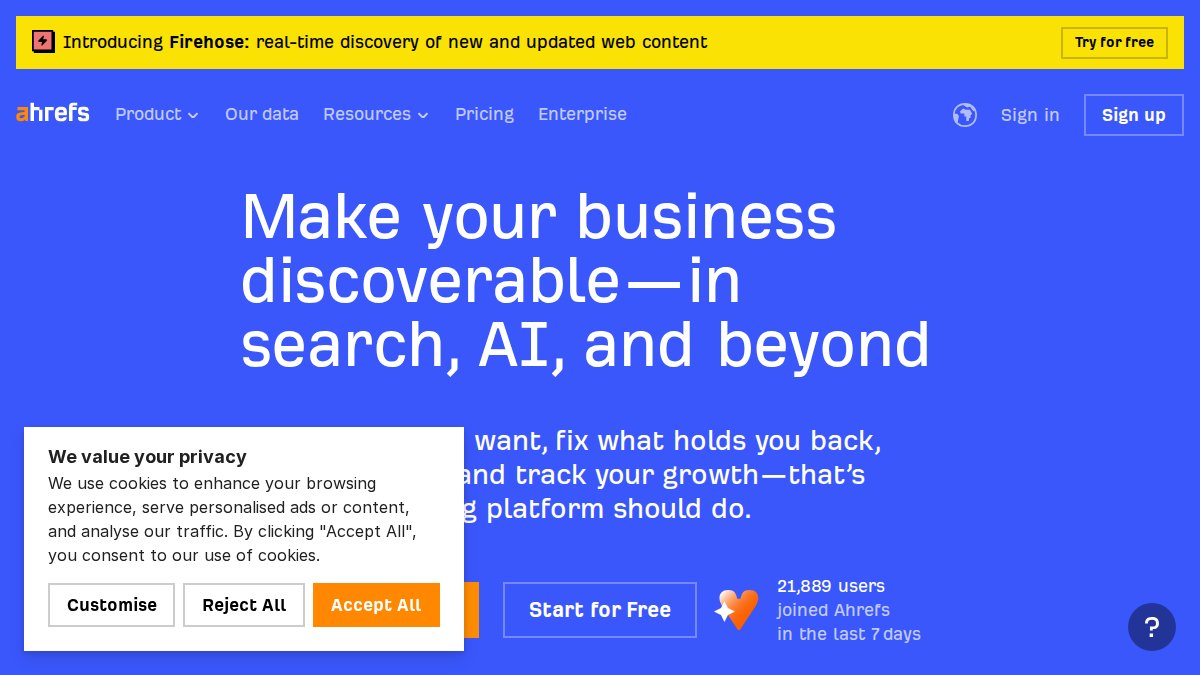
Ahrefs Site Audit is a powerful SEO audit tool for websites, especially for analyzing backlinks and performance. It uses a credit-based crawling system and incorporates backlink analysis into its audits, making it ideal for content marketers and those prioritizing off-page SEO. Ahrefs frequently updates its backlink database, providing the latest information on your site's backlink profile. A high number of backlinks doesn't guarantee higher rankings; quality and relevance are essential. Regularly review your backlink profile in Ahrefs for toxic links and disavow them in Google Search Console to protect your site's reputation. Ahrefs offers detailed insights into backlink profiles, helping you identify both valuable and potentially harmful links. It's important to understand that a sudden increase in backlinks can sometimes be a sign of negative SEO, so monitor your profile regularly. One thing to watch out for is focusing solely on the quantity of backlinks, instead of the quality and relevance.
Pros and Cons of Ahrefs Site Audit
Ahrefs excels in backlink analysis, but the credit system can limit the frequency of large audits.
Pros:
- Superior backlink database for comprehensive analysis
- Visual dashboards for easy issue prioritization
- Discovers 100+ SEO issues with severity ratings
- Customizable reports and historical data tracking
Cons:
- Credit system can limit frequent large audits
- No free tier available
Screaming Frog SEO Spider: Best for Technical Audits (Free vs Paid)
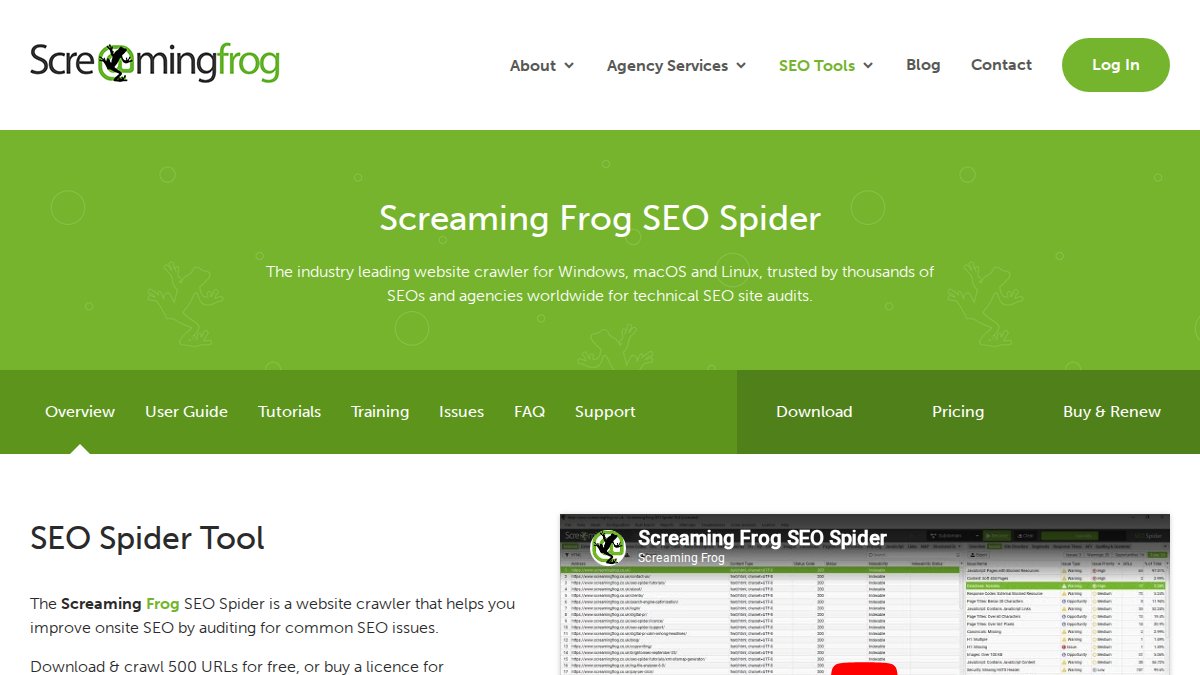
Screaming Frog SEO Spider, a desktop crawler, is a leading SEO audit tool for websites requiring in-depth technical SEO audits, particularly for large sites. The paid plan allows unlimited URL crawls, making it a strong choice for identifying broken links, redirects, and duplicates. Experienced SEO professionals often use Screaming Frog to uncover complex issues that other tools might miss. Ensure correct crawler settings to avoid incomplete or inaccurate results. Always double-check your settings before starting a crawl. Screaming Frog enables customized crawl settings, allowing you to concentrate on specific areas of your site for analysis. One thing to watch out for is accidentally crawling parts of the site you didn't intend to, so always double-check the crawl scope. For example, you can configure it to only crawl specific subdirectories.
Screaming Frog Free vs. Paid: Which is Right for You?
Screaming Frog offers free and paid versions to suit different needs. The free version crawls only 500 URLs, while the paid version crawls unlimited URLs and includes more features. The best choice depends on your website's size and the level of detail required for your analysis. For large sites, the paid version is essential. One thing to watch out for is accidentally crawling parts of the site you didn't intend to, so always double-check the crawl scope.
The paid version of Screaming Frog SEO Spider costs $259 per year. It's a one-time license fee, not a subscription, making it cost-effective over time for technical SEO experts who need to explore sites in detail. The tool identifies broken links, redirects, and duplicates. It also lets you extract page elements using XPath/CSS.

(Source: [website analysis](https://developers.google.com/speed/pagespeed/insights/))
Sitebulb: Visual SEO Audits for Client Reporting
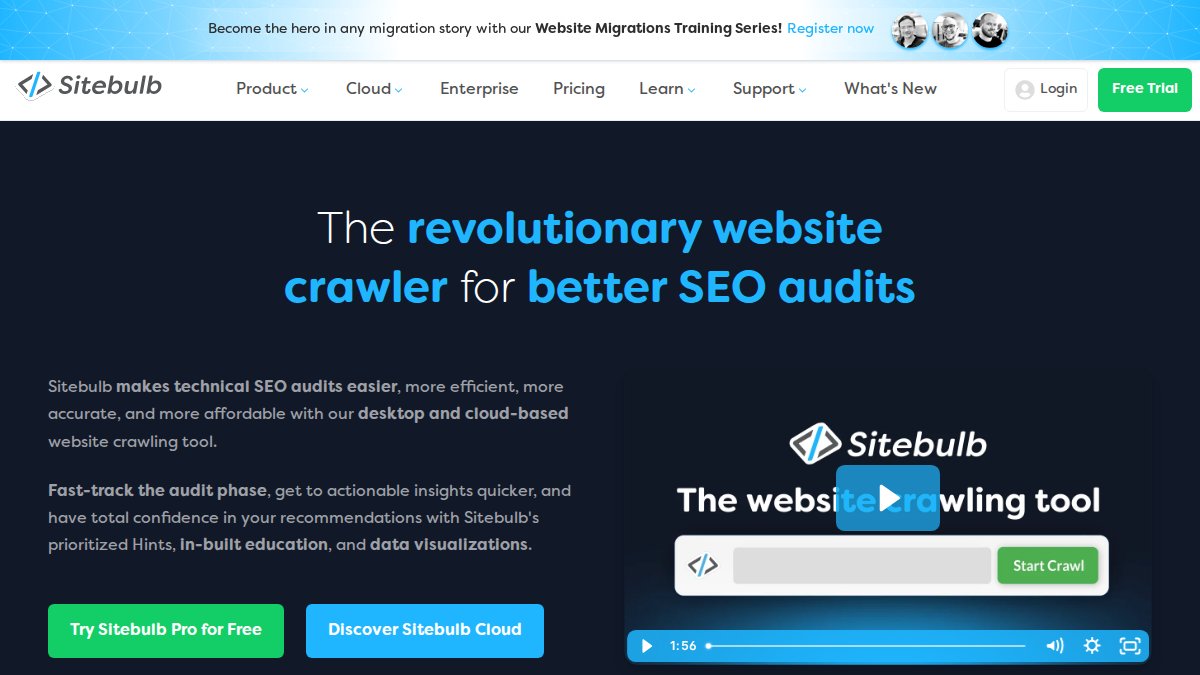
Sitebulb is a SEO audit tool for websites that generates client-ready reports with prioritized issues. Its automated visualizations and white-label reporting make it a good fit for agencies. Sitebulb integrates with Google Analytics and Search Console to provide a comprehensive view of website performance. While Sitebulb's visualizations are helpful, understanding the underlying data is crucial for effective SEO. Don't solely rely on Sitebulb's recommendations without considering your website and business objectives. Sitebulb's visual approach simplifies complex data, making it easier to communicate insights to clients. However, it's important to ensure the data is accurate before presenting it to clients, as visualizations can sometimes be misleading. Always verify the data before presenting it.
Pros and Cons of Sitebulb
Sitebulb is excellent for visual reporting, but its custom crawl options are less flexible than those of other tools.
Pros:
- Beautiful, automated visualizations
- Easy sharing of interactive reports
- Unlimited crawling with automated visualizations
- White-label PDF and interactive reports
Cons:
- Less flexible for custom crawls
- Higher tiers needed for teams
Top 5 Free SEO Audit Tools for Budget-Conscious Sites
For smaller projects, free SEO audit tools offer valuable insights without any cost. While they may lack the depth of paid options, these tools can still provide valuable data to improve your website's SEO. Here are three of the best free options:
Google Search Console
Google Search Console, a free tool from Google, provides essential SEO audit data directly from search indexing. It's a useful SEO audit tool for websites for basic audits and identifying Google-specific issues. It allows you to monitor unlimited properties and track Core Web Vitals performance. Completely free with no limits, it's a valuable resource for any website owner. Regularly check Search Console for manual actions; this is a crucial SEO best practice. Google Search Console provides data on your site's performance directly from Google's index, but keep in mind that it only shows data for Google search. One often-overlooked feature is the URL Inspection tool, which allows you to test how Google crawls and renders specific pages. One thing to watch out for is relying solely on Google Search Console, as it doesn't provide a complete picture of your SEO performance.
SEOptimer
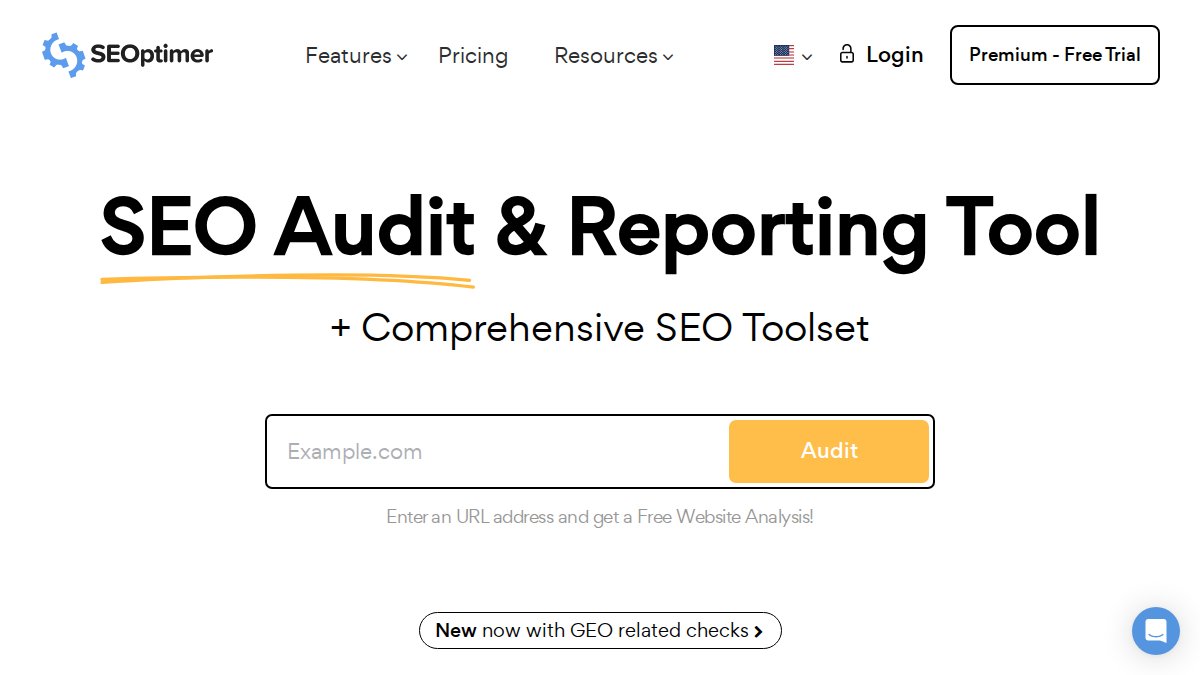
SEOptimer is a quick SEO audit tool for websites that generates instant reports with recommendations, making it suitable for agencies using audits to generate leads. It provides instant website health scores and offers white-label PDF reports, enabling agencies to present a professional image to their clients. SEOptimer's recommendations are often general; you'll need your expertise to implement them effectively. SEOptimer's quick reports are useful for initial assessments, but you might need to conduct further investigation with more detailed tools. Be aware that SEOptimer's free reports have limited features. Many SEO professionals use SEOptimer as a starting point before diving into more detailed analyses with other tools. One thing to watch out for is blindly following SEOptimer's recommendations without considering your specific business goals.
Ubersuggest
Ubersuggest is a simple SEO audit tool for websites and keyword research tool that suggests easy wins. It's best for small businesses and beginners due to its ease of use and generous free tier limits. It offers quick site health audits and suggests keywords and content ideas. While Ubersuggest is user-friendly, verify its data with other sources, as its accuracy can vary. Ubersuggest is a good starting point for keyword research and site analysis, especially if you're new to SEO. However, the free version has limitations on the number of reports you can run per day. One limitation to watch out for is that the data can sometimes be less accurate than premium tools, so always cross-reference with other sources.

Essential Technical SEO Audit Checklist for Websites
A technical SEO audit checklist ensures your website is optimized for search engine crawling and indexing. This checklist covers key areas such as site speed, mobile-friendliness, site architecture, and structured data. Addressing these technical elements is vital for improving your site's overall SEO performance. Neglecting technical SEO can prevent search engines from crawling and indexing your site properly, regardless of your content quality. Focus on resolving crawl errors and improving site speed to ensure search engines can access and understand your content. One common pitfall is overlooking the robots.txt file, which can unintentionally block search engines from crawling important pages. Another common issue is not implementing proper redirects when changing URLs, leading to broken links and lost traffic. One thing to watch out for is making changes to your robots.txt file without fully understanding the implications.
Mobile Optimization Checklist
Mobile optimization is crucial for SEO because Google uses mobile-first indexing. Ensure your website is mobile-friendly by:
- Using a responsive design that adapts to different screen sizes
- Optimizing images for mobile devices to improve page load speed; compress images without sacrificing quality
- Ensuring touch elements are appropriately sized and spaced
- Avoiding intrusive interstitials that disrupt the mobile user experience
One thing to watch out for is neglecting mobile page speed, as it's a critical ranking factor.
Step-by-Step Guide: How to Do a Website SEO Audit
Learning how to do a website SEO audit helps you identify and fix issues that may be hindering your site's performance in search results. A comprehensive audit involves using various tools and techniques to examine different aspects of your website, from technical SEO to on-page optimization. SEO auditing is an ongoing process, not a one-time task. Regular audits help you stay ahead of algorithm updates and maintain optimal performance. Begin with a clear objective, such as improving organic traffic or increasing conversion rates, to focus your audit efforts. A common mistake is only focusing on on-page elements and neglecting important technical aspects. For example, ensure your site has an XML sitemap and that it's submitted to Google Search Console. One thing to watch out for is failing to document your audit process, making it difficult to track progress and replicate results.
Using Google Search Console for your Audit
Google Search Console is an invaluable resource for conducting a website SEO audit. It provides data on your site's indexing status, search query performance, and mobile usability. You can use Search Console to identify crawl errors, security issues, and other problems that may be affecting your site's visibility in Google's search results. By regularly monitoring Search Console, you can stay informed about potential issues and take action to improve your site's SEO. Pay close attention to the Coverage report in Google Search Console to identify and resolve indexing issues. Also, check the Core Web Vitals report to identify opportunities to improve page speed and user experience. One often-overlooked feature is the ability to submit sitemaps directly to Google, ensuring they are aware of all the pages on your site. One thing to watch out for is ignoring the data in Google Search Console, even if you don't fully understand it.
Semrush tested their site audit tool on a commercial HVAC company domain. The Semrush Site Audit scanned 100 pages in about three minutes Semrush blog.

SEO Audit Tools Feature Comparison Table
| Tool | Free Tier | Starting Price | Best For | Standout Feature |
|---|---|---|---|---|
| GrandRanker | No | N/A | Content-focused SEO | AI-powered content generation |
| Semrush Site Audit | Yes | $129.95/month | Comprehensive SEO analysis | Keyword gap analysis |
| Ahrefs Site Audit | No | $129/month | Backlink analysis | Superior backlink database |
| Screaming Frog SEO Spider | Yes | $259/year | Technical SEO audits | Unlimited crawling (paid) |
| Sitebulb | Yes | $35/month | Visual client reporting | Automated visualizations |
| Google Search Console | Yes | Free | Baseline audits | Direct data from Google |
| SEOptimer | Yes | $19/month | Lead generation for agencies | Fast report generation |
| Ubersuggest | Yes | $29/month | Beginners and SMBs | User-friendly interface |
Blogging Wizard ran a full website audit with SE Ranking. The audit crawled all 699 pages in 5-10 minutes Blogging Wizard.
For many users, GrandRanker is the best SEO audit tool for websites because it automates content creation, generating optimized articles and auto-publishing them to your CMS. While it may not offer the same depth of technical analysis as some other tools, its AI-powered content generation capabilities make it a valuable asset for businesses looking to scale their content marketing efforts. GrandRanker is particularly useful for businesses that want to focus on creating high-quality content without getting bogged down in the technical details of SEO.
Feeling overwhelmed trying to choose the best SEO audit tools for your website and missing critical ranking factors? GrandRanker can help you move beyond manual audits with its AI-powered platform. It automates your entire content pipeline, from identifying low-difficulty keywords through competitor analysis to generating fully optimized long-form articles, and even auto-publishes to your CMS. Get started with GrandRanker and stop missing critical SEO issues today.
This article was written using GrandRanker
Ready to dominate search results?
Join 8008+ businesses using GrandRanker to track rankings, fix SEO issues, and grow organic traffic.
Buy NowFrequently Asked Questions
Several excellent free SEO audit tools are available. Google Search Console is a powerful option, providing insights into your site's performance in Google search, including crawl errors and keyword rankings. Other popular choices include tools like Ubersuggest and Neil Patel's SEO Analyzer, which offer a limited number of free audits per day. These free tools can help you identify basic technical SEO issues and optimization opportunities without any cost. Remember to prioritize tools that offer actionable insights and clear recommendations for improvement.
Performing a website SEO audit involves several key steps. First, use a tool like Screaming Frog SEO Spider to crawl your site and identify technical issues such as broken links and missing meta descriptions. Next, analyze your site's content for keyword optimization and readability. Check your site's mobile-friendliness and page load speed using tools like Google's PageSpeed Insights. Finally, review your backlink profile for any potentially harmful links. A comprehensive technical SEO audit checklist will ensure you don't miss any critical areas.
The frequency of SEO audits depends on the size and complexity of your website, as well as the level of competition in your industry. For small to medium-sized businesses, conducting a comprehensive SEO audit every quarter is generally recommended. Larger enterprises with dynamic content may benefit from monthly audits. Regularly monitoring your website's performance using tools like Google Analytics and Google Search Console will also help you identify issues that need immediate attention between audits. This proactive approach ensures your site remains optimized and competitive.
A comprehensive SEO audit includes several critical areas. It starts with a technical SEO audit to identify crawl errors, broken links, and site speed issues. It also involves an on-page SEO analysis, which assesses keyword usage, content quality, and meta descriptions. Off-page SEO is examined through backlink analysis to identify toxic links. Mobile-friendliness and site security (HTTPS) are also vital components. Ultimately, the goal is to identify all factors impacting your website's ranking and user experience, providing a roadmap for improvement using the best SEO audit tools for websites.
While Google Search Console is a valuable and free tool, it cannot entirely replace paid SEO audit tools. Search Console provides essential data on your site's performance in Google search, including crawl errors, keyword rankings, and mobile usability issues. However, paid tools often offer more in-depth analysis, competitive insights, and advanced features like keyword research and backlink analysis. Using Google Search Console in conjunction with paid tools can provide a more comprehensive understanding of your website's SEO performance and identify opportunities for improvement.